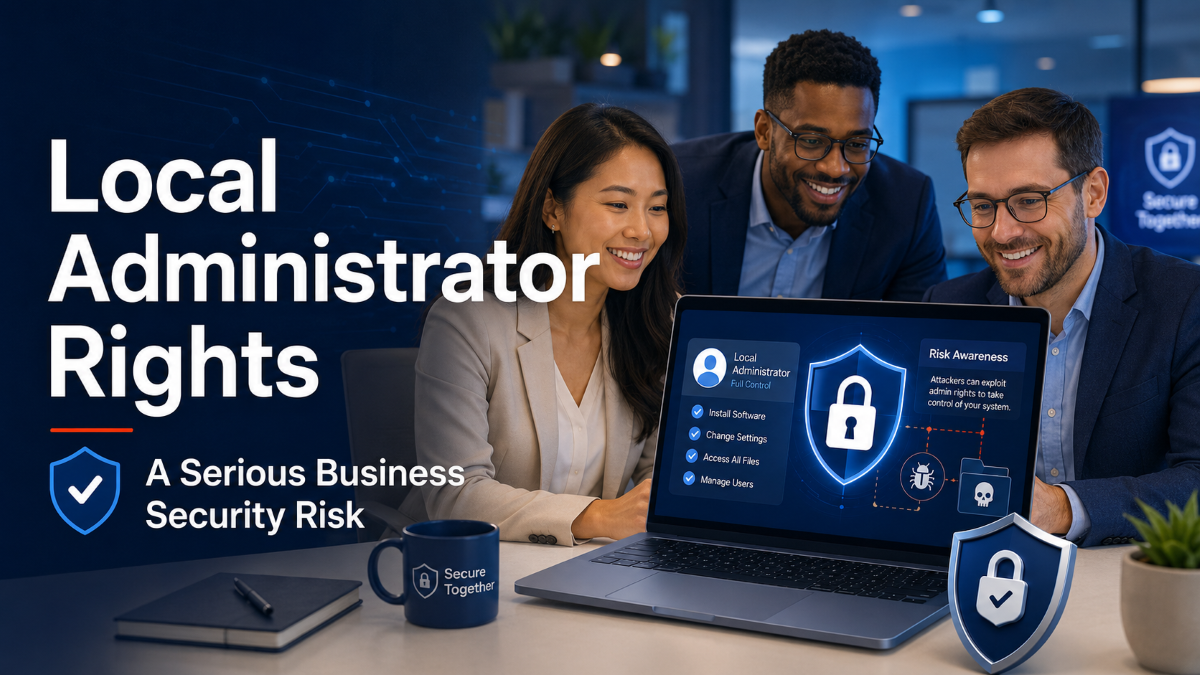
Most employees need access to email, documents, business applications and shared files to do their jobs. What they usually do not need is full administrator access to their computer.
Local administrator rights give a user a high level of control over a device. This may allow them to install software, change security settings, remove applications and make changes that affect the whole computer.
While administrator access can seem convenient, it can also create a serious cybersecurity risk for the business.
What Are Local Administrator Rights?
Every Windows computer has different levels of user access.
A standard user can perform normal everyday tasks such as opening applications, browsing the internet, accessing files and using email.
A local administrator can make much larger changes to the computer, including:
- Installing and removing software
- Changing system settings
- Disabling security tools
- Creating new user accounts
- Accessing other user files
- Making changes without approval from the IT provider
Giving an employee administrator access is similar to giving them a master key to the device.
The employee may never intentionally misuse that access. However, if their account is compromised, a cybercriminal may also gain the same level of control.
Why Is Administrator Access Dangerous?
The biggest risk is that malicious software can often use the permissions of the person who opened it.
For example, an employee may receive a convincing email containing a harmful attachment. If they open the file while logged in with administrator rights, the malicious program may be able to install itself, disable security protections and make permanent changes to the computer.
Without administrator rights, the same attack may be blocked or have a much smaller impact.
Administrator access does not automatically cause a cyber incident, but it can make an incident significantly worse.
It Makes Malware More Powerful
Malware, ransomware and other cyber threats often attempt to make changes to a computer.
With administrator access, malicious software may be able to:
- Disable antivirus or monitoring software
- Install hidden applications
- Steal passwords and business information
- Encrypt files
- Spread to other devices
- Create secret accounts for future access
Ransomware is particularly concerning because it may encrypt important files and interrupt business operations.
Limiting administrator rights creates another barrier that attackers must overcome before they can take full control of a device.
Unapproved Software Can Create Problems
Employees with administrator rights can usually install applications without contacting IT.
This can lead to unapproved software being installed, including free tools, browser extensions, remote access programs and applications downloaded from unreliable websites.
Even legitimate software can create risks if it is outdated, poorly configured or no longer supported.
Unapproved applications may also:
- Contain advertising or unwanted programs
- Collect business information
- Introduce security vulnerabilities
- Conflict with existing software
- Create licensing or compliance issues
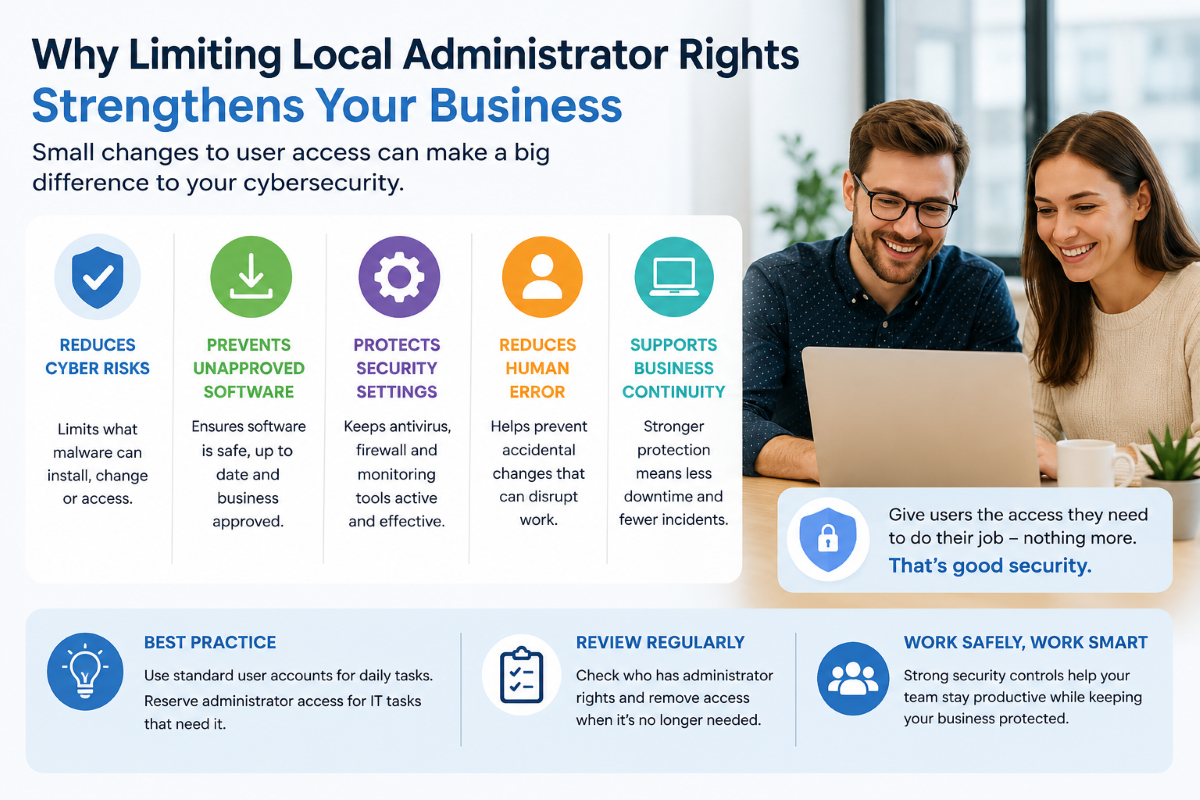
Removing local administrator access helps ensure that software is reviewed before it is installed.
Important Security Settings Can Be Changed
Administrator rights may allow users to disable or change important security controls.
An employee may turn off a feature because it is inconvenient, without understanding the risk. They may disable antivirus scanning, change firewall settings or remove monitoring software to fix what appears to be a small issue.
These changes can leave the computer exposed without the business realising it.
In some cases, a cybercriminal may make the same changes after stealing the employee’s password.
Security controls are most effective when users cannot easily remove or bypass them.
It Can Increase the Impact of Human Error
Not every incident is caused by a hacker.
Employees can accidentally delete important files, remove business applications or change settings that stop the computer from working correctly.
With administrator access, a simple mistake can have a much larger effect.
Restricting administrator permissions reduces the number of major system changes that can happen accidentally.
Do Employees Ever Need Administrator Access?
Some employees may occasionally need elevated access for a specific application or task.
However, this does not mean they need permanent administrator rights.
A safer approach is to provide administrator access only when it is required and approved. The IT provider can install the application, make the necessary change and confirm that it is safe.
Separate administrator accounts can also be used for authorised IT work. Employees continue using a standard account for everyday activities, while the higher-level account is only used when necessary.
How Businesses Can Reduce the Risk
Businesses should review which employees currently have local administrator rights and remove unnecessary access.
A practical approach includes:
- Providing standard user accounts for everyday work
- Using separate administrator accounts for IT support
- Requiring approval before new software is installed
- Keeping security and monitoring tools protected
- Regularly reviewing administrator access
- Removing access when employees change roles or leave
- Using central device management to apply consistent settings
These controls do not need to make work difficult. When managed correctly, employees can continue performing their normal tasks while the business maintains stronger security.
A Simple Change That Makes a Big Difference
Removing unnecessary local administrator rights is one of the simplest ways to reduce cybersecurity risk.
It helps prevent unauthorised software, protects security settings and limits what malware can do if an employee account is compromised.
Administrator access should be treated as a privileged business permission, not a standard feature given to every employee.
By applying the principle of least privilege, businesses provide users with only the access they need to perform their role. This reduces risk without preventing employees from doing their jobs.
Managed Services Australia can review administrator access across your devices, remove unnecessary permissions and implement a safer process for approved software installations and system changes.
Strengthen Your Business Security
Not sure whether your current IT and cyber security setup is providing the protection your business needs?
Managed Services Australia can review your technology environment, identify unnecessary risks, and recommend practical improvements that support your team without adding unnecessary complexity.
No scare tactics; No confusing technical processes; Just a sensible cyber security plan built around your business and its risks.
Book a Cyber Security & Technology Audit today.
🌐 Explore our services at Managed Services Australia.
📧 Dial 1300 024 748, shoot us an email at [email protected], or schedule a session with one of our IT specialists.