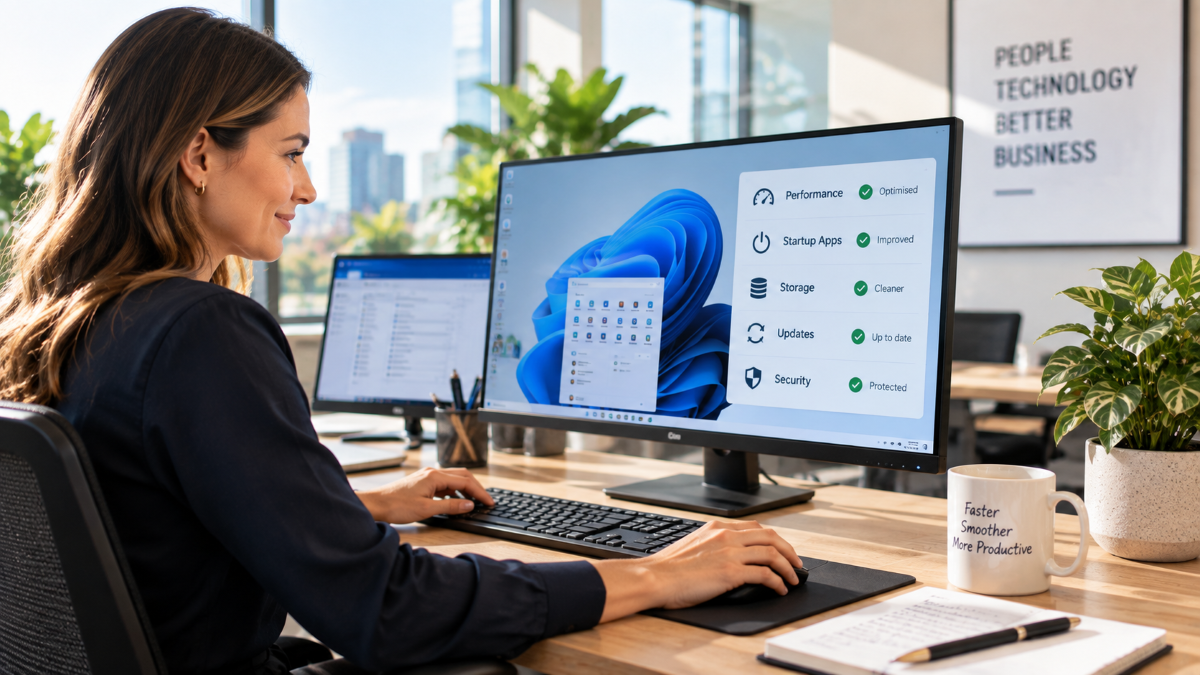
Keeping computers clean isn’t just about wiping screens or tidying desks. In today’s digital-first workplaces, “clean” computers mean secure systems, organised data, updated software, and well-maintained hardware. Poor IT hygiene can slow productivity, increase cyber security risks, and shorten the lifespan of your devices.
At Managed Services Australia, we help Melbourne businesses keep their IT environments clean, secure and performing at their best. In this guide, we’ll walk you through the essentials of keeping computers clean — both physically and digitally — and explain why it matters more than ever.
Why Keeping Computers Clean Matters
Whether you’re running a small business or managing an enterprise IT environment, unclean systems can lead to:
-
Reduced system performance
-
Increased cyber security vulnerabilities
-
Higher risk of data loss
-
Shorter hardware lifespan
-
Costly downtime and repairs
Clean computers are faster, safer, and more reliable. Regular maintenance also supports compliance, protects sensitive business data, and improves employee productivity.
Physical Computer Cleaning: The Often-Overlooked Essential
1.Cleaning Screens and Monitors
Dust, fingerprints and smudges can strain eyes and reduce visibility.
Best practice:
-
Use a microfibre cloth
-
Avoid household cleaners
-
Use screen-safe cleaning solutions
-
Power down devices before cleaning
Clean screens improve visibility and reduce eye strain — especially for employees working long hours.
2. Keyboards and Mice
Keyboards are one of the most bacteria-covered items in an office environment.
How to clean safely:
-
Disconnect the keyboard
-
Turn it upside down and gently shake
-
Use compressed air
-
Wipe with isopropyl alcohol wipes
For shared workstations, regular cleaning is essential for hygiene and health.
3. Keeping Vents and Fans Dust-Free
Dust build-up can cause overheating, which leads to system crashes or permanent hardware damage.
Tips:
-
Keep computers off the floor
-
Clean vents with compressed air every few months
-
Ensure proper airflow around devices
Overheating is one of the most common causes of premature hardware failure.
Digital Cleanliness: The Key to Cyber Security
Physical cleaning is only half the story. Digital clutter and outdated systems are a major cyber security risk.
4. Regular Software Updates
Outdated software is a prime target for cyber attacks.
Why updates matter:
-
Patch known security vulnerabilities
-
Improve performance and stability
-
Ensure compatibility with new tools
Enable automatic updates wherever possible, including operating systems, browsers, antivirus software, and business applications.
5. Removing Unused Software and Applications
Unused programs:
-
Slow down systems
-
Increase attack surfaces
-
Waste storage space
Conduct regular audits to uninstall software that is no longer required. This is especially important in business environments where legacy applications often go unnoticed.
6. File Organisation and Storage Hygiene
Messy file systems reduce productivity and increase the risk of data loss.
Best practices include:
-
Clear folder structures
-
Consistent naming conventions
-
Archiving old data
-
Using secure cloud storage solutions
Managed Services Australia often helps clients migrate to secure cloud platforms to improve accessibility and data protection.
Cyber Security Hygiene: Protecting Your Business
7. Strong Password Management
Weak or reused passwords are one of the leading causes of cyber breaches.
Recommendations:
-
Use strong, unique passwords
-
Implement multi-factor authentication (MFA)
-
Use enterprise-grade password managers
Good password hygiene significantly reduces cyber risk.
8. Antivirus and Endpoint Protection
Every computer should have up-to-date endpoint protection.
This includes:
-
Antivirus software
-
Anti-malware protection
-
Ransomware defence
-
Firewall configurations
As a Managed IT Services provider in Melbourne, we ensure our clients have proactive monitoring and threat detection in place.
9. Regular Backups
Even the cleanest systems can fail.
Backup best practices:
-
Automated daily backups
-
Offsite or cloud-based storage
-
Regular backup testing
Backups are essential for business continuity and disaster recovery.
Performance Maintenance: Keeping Systems Running Smoothly
10. Disk Cleanup and Performance Checks
Over time, systems accumulate:
-
Temporary files
-
Cached data
-
Old system logs
Routine maintenance helps:
-
Free up storage
-
Improve boot times
-
Reduce system crashes
Managed IT services often include scheduled maintenance to keep systems optimised.
11. Hardware Lifecycle Management
Computers don’t last forever.
Most business-grade computers should be refreshed every 3–5 years. Older machines:
-
Are slower
-
No longer receive security updates
-
Are more likely to fail
A planned refresh cycle prevents unexpected downtime and improves employee efficiency.

Clean IT Environments Support Business Growth
Keeping computers clean isn’t just an IT task — it’s a business strategy. Clean systems:
-
Reduce cyber security risks
-
Improve employee productivity
-
Lower IT support costs
-
Support compliance requirements
At Managed Services Australia, we provide proactive managed IT services, cyber security solutions, and IT support to Melbourne businesses looking to stay secure and efficient.
Need Help Keeping Your IT Environment Clean?
If you’re unsure whether your systems are truly “clean”, our team can help. From regular maintenance and cyber security to fully managed IT services, we tailor solutions to your business needs.
🌐 Explore our services at Managed Services Australia.
📧 Dial 1300 024 748, shoot us an email at [email protected], or schedule a session with one of our IT specialists.